Search by text
Describe the target object, action, relationships or scene in natural language and find matching video clips.
 Search in 100+ languages
- Semantic matching
- Locate by time or event
Find relevant video clips using text, image, or video queries. Preview matches and view their source videos.
Describe the target object, action, relationships or scene in natural language and find matching video clips.
Search in 100+ languagesSemantic matchingLocate by time or eventIdentify visual features in a reference image and match similar content by subject, composition and background.
Similar-frame matchingSemantic matchingLocate by time or eventFind similar clips using the action sequence, camera changes and scene features in a reference video.
Motion understandingPrecise keyframe localizationMulti-format video supportResults are ranked by relevance, with matching frames shown for quick screening—no need to open the original video or scrub through its timeline.
Review the video title and source platform, then open the original video for more context.
Save frequently used text search criteria for periodic retrieval or repeated similar-image searches without reconfiguring.
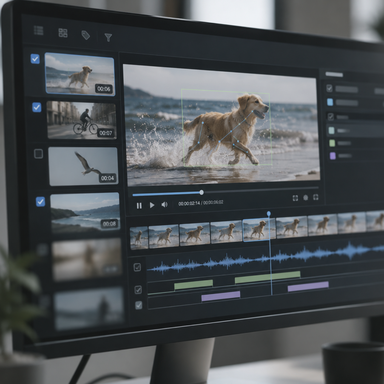
For video understanding, action recognition and event description, find clips with target characteristics as candidate samples for training data selection and labeling.
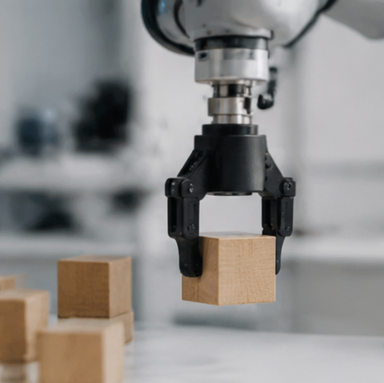
Find grasping, carrying and assembly sequences, and discover human-object interaction clips in different environments for task decomposition and demonstration selection.
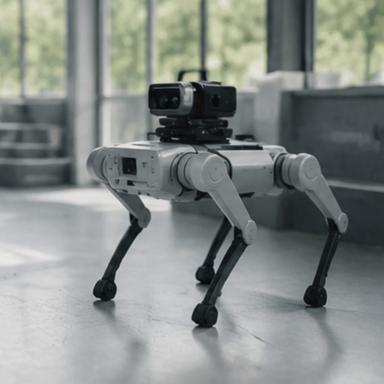
Retrieve continuous footage of object motion, shape change and interaction to find videos with specific transformations for dynamics modeling and prediction research.

Find footage of product use, production operations and consumer scenarios to collect research samples for industry observation and market assessment.
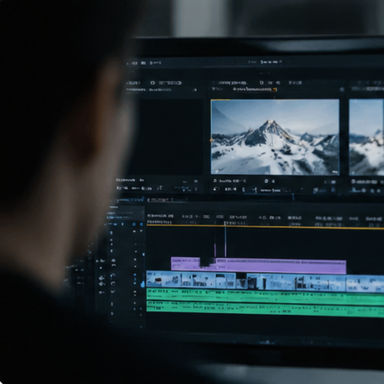
Find clips that match a topic, script or storyboard, compare different shooting and presentation styles, and support shot selection and production communication.

Find clips containing brand marks, product appearances or specific scenes, and observe distribution and change alongside source and publish time.
More video data tools, choose what you need.
Video search looks at visual content and finds matching clips from a description or reference material. Even if the title and tags do not mention the target, the visuals can still lead you to it.
Search returns matching clips ranked by relevance. Preview the matched frames, or follow the source link to view the full content.
Describe the subject, action and setting clearly, or provide reference material with distinctive features. You can also narrow the search by time range and source platform.
Video Search currently provides clip retrieval and preview; downloading or exporting clips is not supported. To obtain video files, see the separate Video Scraper API.
Search results help you discover candidate material; they do not grant usage rights. Before using content for model training, editing or commercial release, confirm the rights permitted by the source.