

Main content extraction
Automatically identifies main page content, excluding navigation, ads, and footers while preserving the original content structure.
Extract content from a URL and return it as Markdown, raw HTML, cleaned HTML, or a list of links. Cleaned output removes navigation, ads, and footers while preserving content structure.
Extract pricing20Credits / 1K results
Automatically identifies main page content, excluding navigation, ads, and footers while preserving the original content structure.

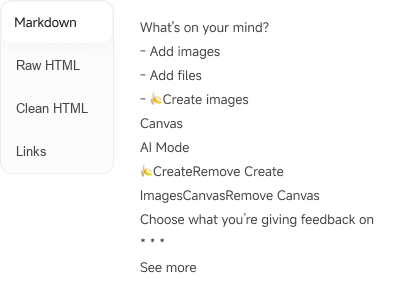
Returns extracted content as Markdown with headings and paragraphs, ready for model context or AI workflows.

Choose Markdown, raw HTML, cleaned HTML or a link list depending on the task.

Retrieve all URLs from a specified webpage to support research, page organization, and subsequent content extraction.
Pass the URL of the page to extract.
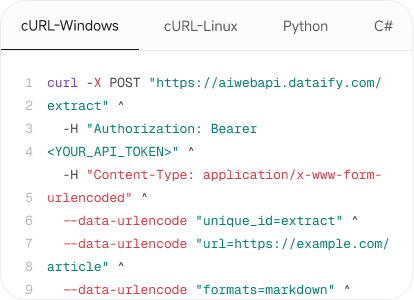
Choose the right output format for model reading, content processing, or link lists.
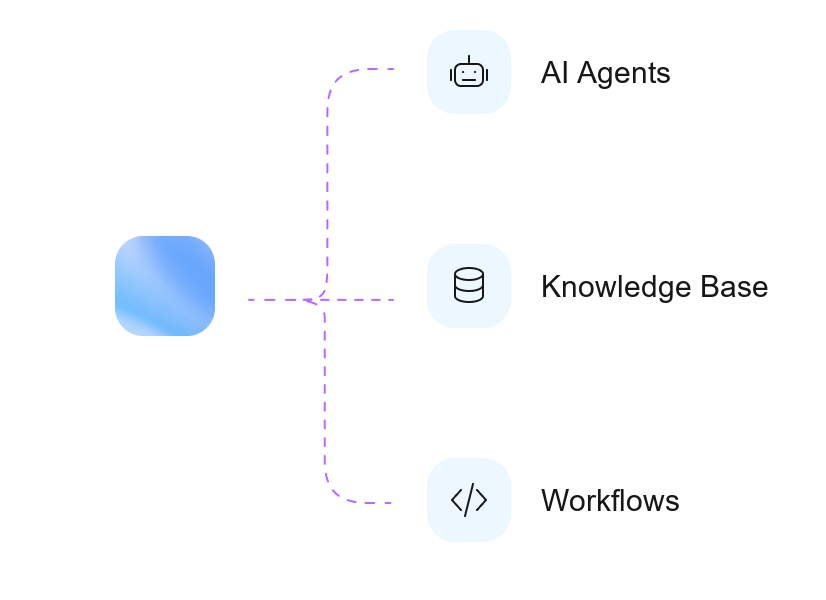
Feed the result into AI agents, knowledge bases or business systems.


Connect Dataify data services to AI tools and.
Workflows, simplifying tool setup and data access.
Extract technical docs, industry reports and policy announcements into Markdown, reducing content cleaning for knowledge base builds.
Fetch the main content behind a user-provided link so agents can summarize details that search snippets miss.
Extract multiple specified sources, let downstream workflows summarize by topic, and generate briefs or daily reports with source URLs.
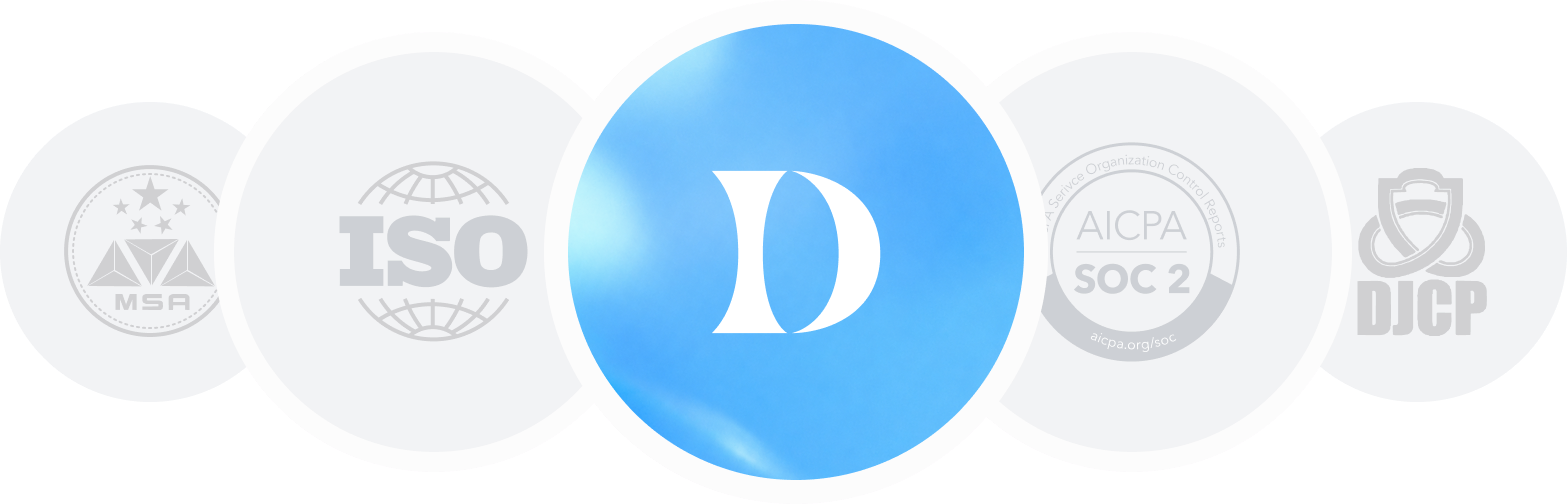

Our information systems have passed the level 2 MLPS assessment, with continuous hardening of perimeter protection, access control and log auditing.

Quality management, information security and privacy protection systems are internationally certified.
Auditable standards from process design to implementation.

We apply access controls, data classification, and audit logging throughout the data lifecycle.
A complete web data workflow for AI agents
Extract API is a web content extraction API. Pass a URL to get the main content, title and links, and output Markdown, raw HTML, cleaned HTML or a link list.
Search API finds relevant pages by keyword and can also return page content for search results. Extract API works from known URLs and focuses on extraction, cleaning and format conversion.
Web Unlocker API focuses on accessing and fetching pages, returning HTML or PNG. Extract API focuses on extracting and cleaning content so it is easier for AI to read and process.
Markdown is usually the best default because it preserves text hierarchy and plugs into downstream processing. Knowledge base builds still need chunking, embedding and ingestion.
The Extract API link list comes from a specified page and helps organize links on that page. Map API discovers site pages and helps collect more URLs from a site entry point.
No. Extract API only handles publicly accessible pages and does not bypass logins or CAPTCHAs. This is both a product boundary and a compliance requirement. If your target site has access restrictions, confirm your authorization scope or contact us to evaluate alternatives.